
Thinking about upgrading your phone through Koodo? Before you hand over your device, you’ll want to know exactly what it’s worth. Understanding your Koodo trade-in value helps you decide whether trading in makes financial sense, or if you’d be better off selling privately or keeping your current phone a bit longer.
Koodo’s trade-in programme offers a convenient way to offset the cost of a new device, but the values can vary significantly depending on your phone’s model, condition, and age. The catch? Many people are surprised by how little their phone is actually worth once they see the quote, especially if there’s a cracked screen or battery issue dragging down the appraisal.
This guide breaks down how Koodo determines trade-in values, where to get your estimate, and what factors affect your phone’s worth. We’ll also cover when repairing your device first, through a service like Fyxters, might boost your trade-in value or help you decide whether upgrading is even necessary right now.
How Koodo trade-in value works in Canada
Koodo’s trade-in programme operates through physical store locations across Canada, where staff inspect your device and provide an immediate quote based on its condition. You can’t complete a trade-in entirely online, which means you’ll need to visit a Koodo store with your phone, charger, and any original accessories you still have.
The assessment process takes about 10 to 15 minutes, during which a staff member checks your phone’s screen, buttons, camera, battery health, and overall functionality. They’ll also verify that the device is fully paid off and not locked to another carrier, as Koodo won’t accept phones with outstanding balances or activation locks.
What determines your quote
Your Koodo trade-in value depends primarily on three factors: the phone’s make and model, its age, and its physical and functional condition. A recent flagship device like an iPhone 14 Pro in excellent condition commands significantly more value than a three-year-old mid-range Android with a cracked screen.
Koodo categorizes phones into condition tiers that directly affect the payout. Phones with no damage, full battery health, and zero scratches fall into the top tier. Devices with minor wear, small scratches, or slightly degraded battery capacity drop to a middle tier. Any cracked screen, water damage, or non-functional buttons push your phone into the lowest tier, where the value often becomes negligible.
Your phone’s condition matters more than its original retail price when determining trade-in value.
The trade-in credit applies directly toward the purchase of a new or refurbished device through Koodo, either reducing your upfront cost or monthly tab payments. You receive the amount immediately at checkout, not as a future bill credit.
Step 1. Gather the details that affect your value
Before you visit a Koodo store, you need to collect specific information about your device that directly influences your quote. Having these details ready saves time during the in-store assessment and helps you understand what Koodo trade-in value you can realistically expect before making the trip.
Device identification details
Start by locating your phone’s exact model number and storage capacity, which you can find in your device’s settings menu. An iPhone 13 with 128GB storage receives a different valuation than the 512GB version, even if both phones look identical from the outside.
Check your purchase date or activation date, as age significantly impacts value. Phones older than three years typically receive minimal credit, regardless of condition. You also need to confirm that your device is fully paid off with no outstanding balance, as Koodo won’t accept financed phones still under contract.
Physical and functional condition checklist
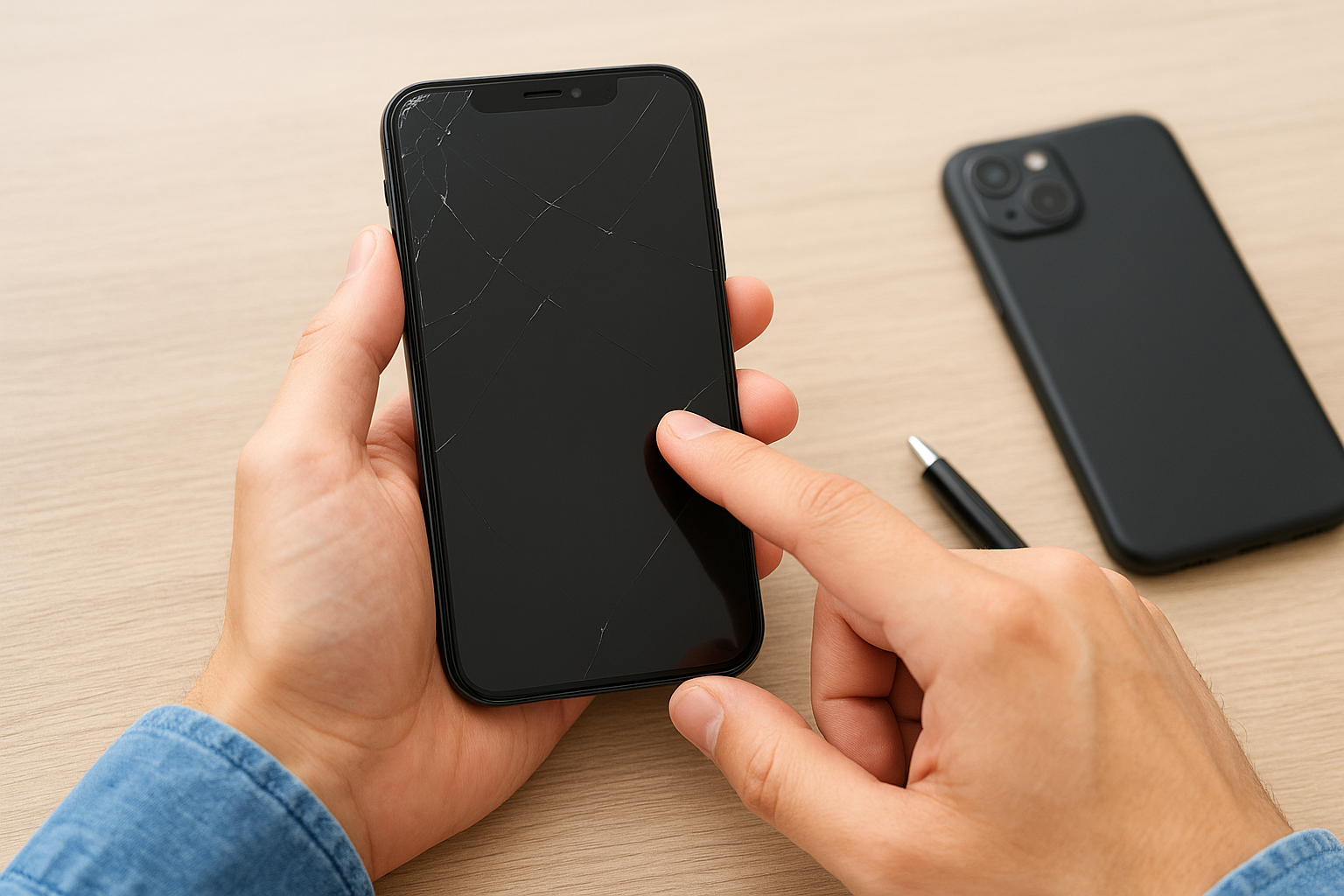
Examine your screen carefully for cracks, scratches, or dead pixels. Even hairline cracks can drop your valuation tier substantially. Test all buttons, the charging port, speakers, camera, and Face ID or fingerprint sensors to ensure everything works properly.
A fully functional phone with minor cosmetic wear receives better value than a pristine-looking device with charging port issues.
Document any battery health concerns by checking your settings. iPhones show battery health percentage directly in settings, while Android users can install diagnostic apps or note if their phone dies unexpectedly during the day.
Step 2. Get a realistic estimate before you visit
Koodo doesn’t offer an online trade-in calculator on their website, which means you can’t get an official quote without visiting a store. However, you can still get a reasonably accurate estimate by checking comparable trade-in programmes and recent quotes from other Koodo customers who traded in similar devices.
Check manufacturer trade-in values
Apple and Samsung both run their own trade-in programmes with online calculators that provide instant estimates. Visit Apple’s official trade-in page or Samsung’s trade-in portal, select your device model, answer the condition questions honestly, and note the quoted value.
These manufacturer quotes typically run 10% to 25% higher than carrier trade-in values, but they give you a useful baseline. If Apple offers £250 for your iPhone 12, expect Koodo to offer somewhere between £175 and £225 for the same device in similar condition.
Search recent community reports
Check RedFlagDeals forums or the r/Koodo subreddit for recent trade-in experiences from other Canadians. Search for your specific phone model plus "trade-in value" to find posts from the last three to six months.
Community reports reveal what Koodo actually pays, not just theoretical maximum values.
Real customer experiences show you what Koodo trade-in value quotes look like in practice, including how strictly staff assess condition issues.
Step 3. Get the official in-store quote and trade in
Once you’ve gathered your device details and researched comparable values, you’re ready to visit a Koodo store for your official assessment. Bring your phone, charging cable, and any original accessories you still have, along with valid photo identification. Staff will inspect your device on the spot and provide an immediate quote.
What happens during the assessment
The technician tests your phone’s screen responsiveness, camera functionality, speakers, microphone, and charging port. They’ll check for water damage indicators inside the SIM tray and verify that your phone powers on and off normally. This process takes 10 to 15 minutes, and you can watch while they complete the inspection.
You need to remove your SIM card before handing over your phone, but don’t factory reset it until after the assessment, as staff need to verify certain functions. Once they provide your Koodo trade-in value quote, you have the option to accept or decline on the spot.
Accept the quote or walk away
If the quote meets your expectations, staff apply the credit immediately toward your new device purchase or account balance. You’ll sign a trade-in agreement confirming the device’s condition and your acceptance of the value. If the quote disappoints you, simply decline and keep your phone without any obligation.
You’re never locked into accepting the first quote you receive.
When trade-in is not worth it, do this instead
Sometimes the Koodo trade-in value you receive doesn’t justify giving up your device, especially when your phone still works well or needs only minor repairs. Before accepting a disappointing quote, consider two alternatives that often put more money back in your pocket.
Repair the damage and try again
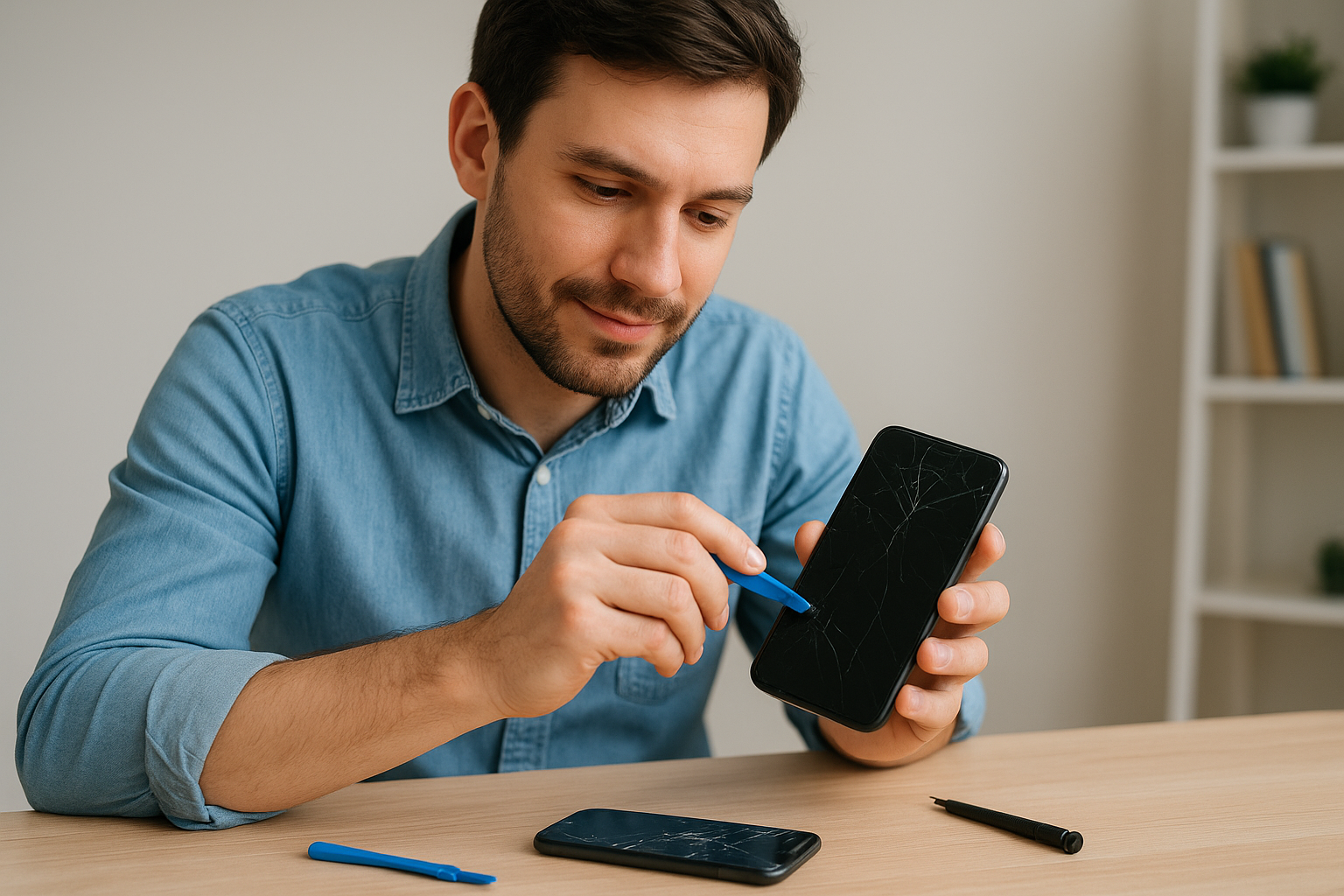
If a cracked screen or failing battery tanks your quote, getting those issues fixed first can dramatically increase your trade-in value. A £60 screen repair might boost your quote by £150, making the upfront cost worthwhile.
Book a repair through Fyxters to get your phone fixed quickly by vetted technicians who come to you or work at nearby locations. You’ll receive transparent pricing upfront and a quality guarantee, ensuring your repair actually improves your trade-in value when you return to Koodo.
Repairing damage before trading in often yields better net value than accepting the damaged-device quote.
Sell privately for higher returns
Selling your phone through Kijiji or Facebook Marketplace typically nets 20% to 40% more than trade-in programmes offer. You’ll handle the listing, meet potential buyers, and manage the transaction yourself, but the extra cash often justifies the effort, particularly for recent flagship models in good condition.
A quick recap and what to do next
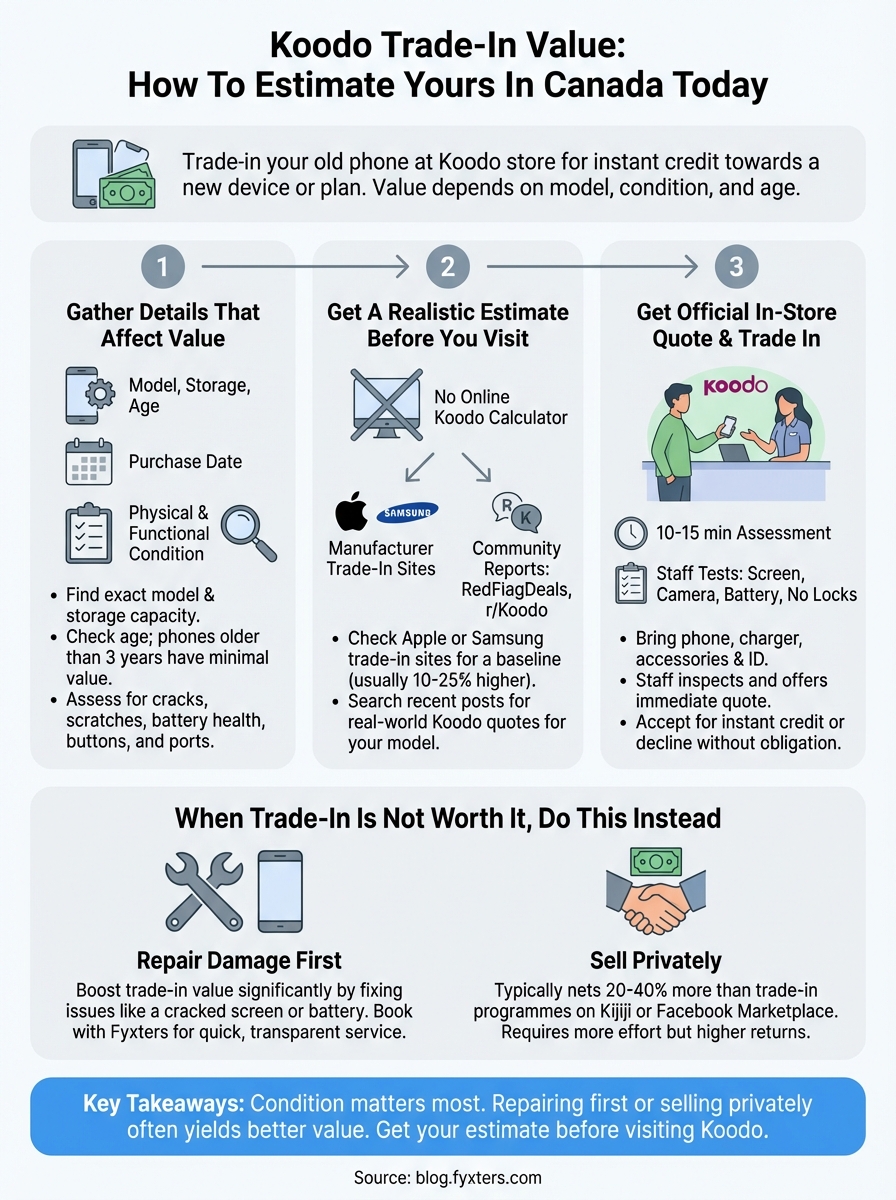
Understanding your Koodo trade-in value before visiting a store helps you make informed decisions about upgrading your phone. Start by gathering your device details, including model, storage capacity, and condition notes. Research comparable values through manufacturer trade-in calculators and community reports to set realistic expectations. Visit a Koodo store for your official assessment, where staff inspect your phone and provide an immediate quote you can accept or decline without obligation.
If your quote disappoints due to screen damage or battery issues, consider repairing your phone first to boost its value substantially. Book a screen repair through Fyxters in Montreal to get transparent pricing and fast service from vetted technicians who come to you. Your phone deserves a proper assessment based on its repaired condition, not its damaged state. Alternatively, selling privately through online marketplaces often yields better returns than any carrier trade-in programme.